05. [IBM] Create an IBM Watson account and Watson project
Create an IBM Cloud Account and Watson Project
Create an IBM Cloud account to use the IBM Watson Studio service.
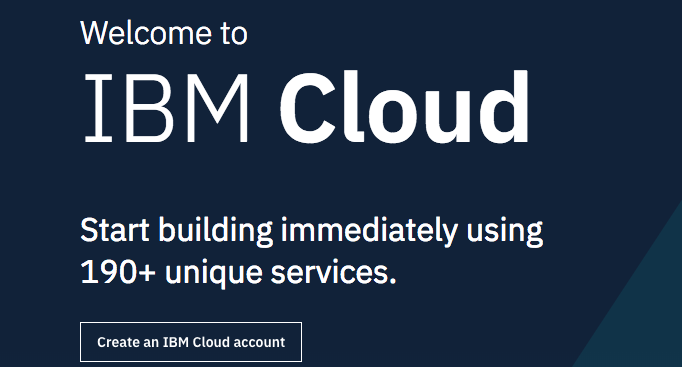
Visit cloud.ibm.com and click on the "Create an IBM account" button.
If you have an IBM Cloud account already, sign in.
If you do not have an account, sign up.
Once you finish signing up, wait a few minutes to receive your IBM Cloud account confirmation email. Then return to cloud.ibm.com and sign in.
Register for IBM Watson Studio
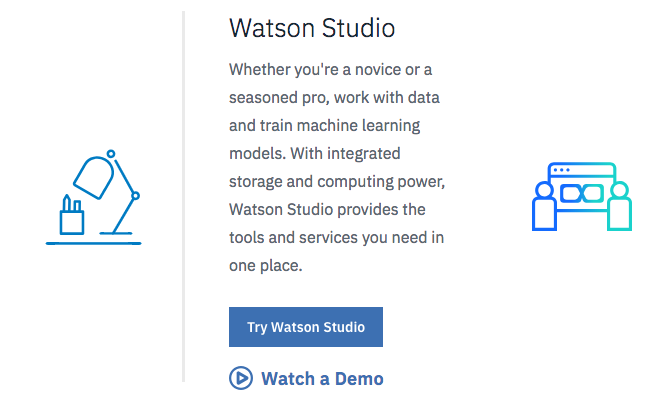
Click on the menu icon on the top left and select "Watson." Or just click here. Scroll down and select "Try Watson Studio."
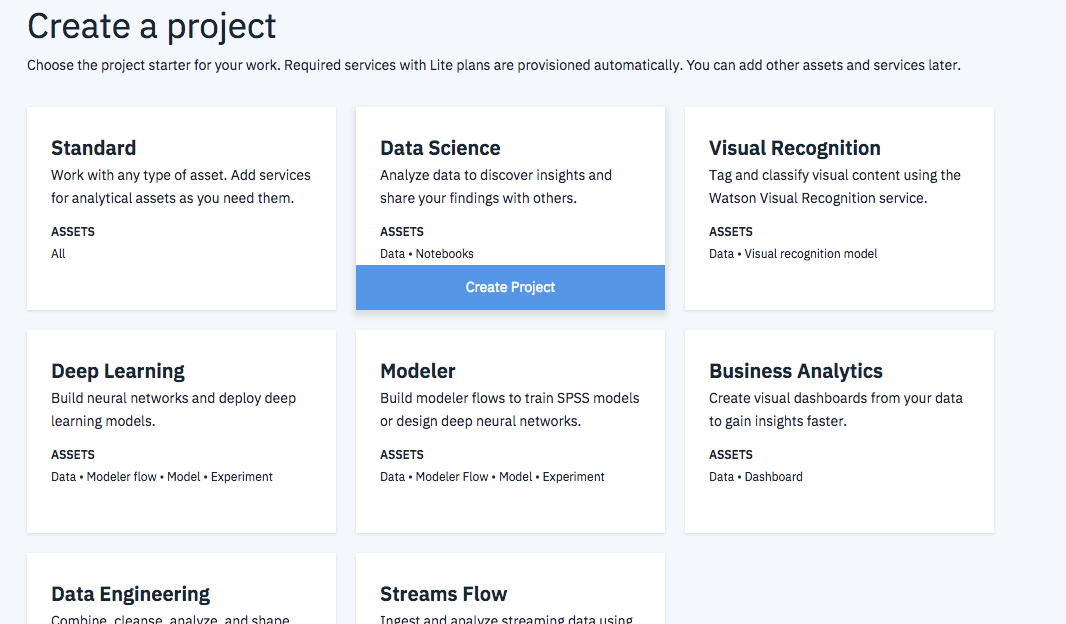
Next, select "Create Project."
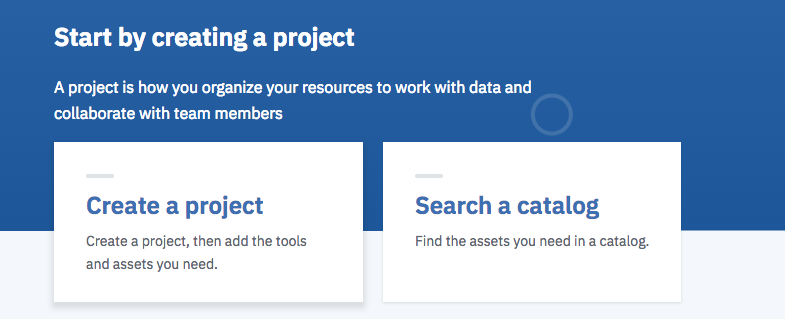
Hover over "Data Science" and click "Create Project"
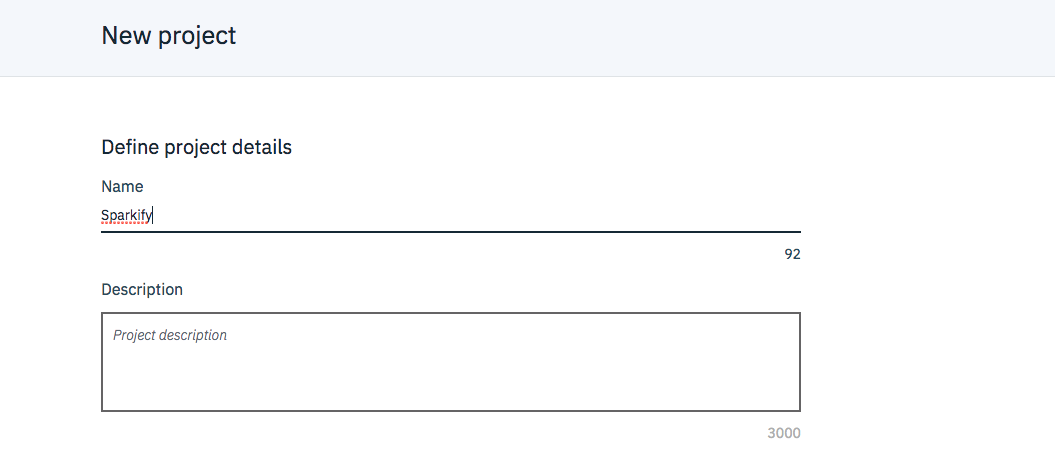
Enter a name for your project and click "Create" on the bottom right.